
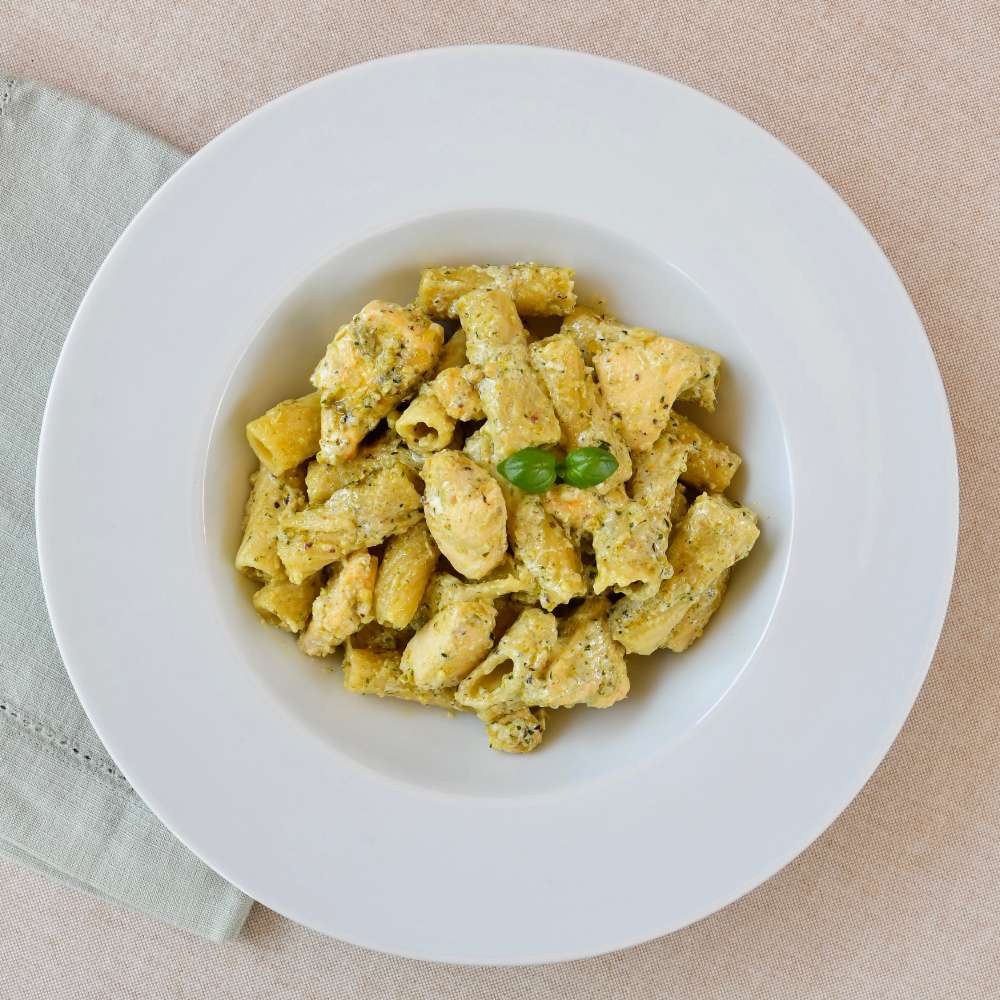
Pesto Chicken Pasta for Kitchen Robot
restaurant 4 portions
schedule 30 min
Cooking details
This recipe has been tested in a 5L Newlux Kitchen Robot. Remember that you can adjust the quantities, times and ingredients to your liking.
Products with which it can be cooked

Ingredients
- task_alt350 g. pasta
- task_alt1 l. of water
- task_alt600 g. of chicken breast (cut into cubes)
- task_alt220 ml. of vegetable or meat broth
- task_alt150 ml. of cooking cream
- task_alt100 g. of grated Parmesan cheese
- task_alt100 g. of pesto sauce
- task_alt2 peeled garlic cloves
- task_alt20 ml. of extra virgin olive oil
- task_alt10 g. of flour
- task_altSalt
step by step recipe
- Add 10 ml of oil to the bowl and set the GRILL Menu, cooking temperature 1, for 12 minutes. While it heats up, chop the garlic cloves.
- Once hot, add the diced chicken and chopped garlic. Stir from time to time until the end of the program. Remove and reserve.
- Once the program is finished, add the water and pasta.
- Close and set the PASTA Menu, cooking temperature 1, for the time indicated on the package (approximately 8-12 min). Drain the pasta and set aside. Reserve a ladle of the cooking water and discard the rest.
- Next, add the remaining 10 ml of oil to the bowl and set the FRY Menu, cooking temperature 1, for 6 minutes.
- Once hot, add the flour and stir constantly with the spatula until lightly browned.
- Then, add the broth, liquid cream, cheese, and pesto. Mix until the ingredients are combined.
- Next, add the chicken and season. Mix and let the flavors blend.
- Once the program is finished, add the cooked pasta and the reserved cooking water.
- Mix with the spatula so that the pasta is well coated with the sauce and serve immediately.
- Enjoy!
Ingredients
- Accessories used: spatula


